









Summary:
- Clients increasingly expect pool automation systems to be built into the original job scope.
- Comparing categories by payback and installation priority helps contractors match the right system to each pool.
- This blog compares the pool automation system categories and covers the installation steps and coverage gaps that follow.
Market Research Future updated its outlook on automated pool monitoring this April. The report now pegs the segment at $4.3 billion in 2024, growing to $17.51 billion by 2035. That works out to a 13.62% growth rate every year for over a decade.
That growth is changing what shows up on your estimates. Automation used to be an optional line item, added after the build. Now clients ask for it during the first walkthrough. They want app control built into the scope from day one. Remote chemical monitoring is no longer a footnote either. Recommending the wrong system at that stage can cost you the entire contract.
This blog compares pool automation systems and covers how to install them without redoing existing plumbing. It also covers where this work opens up coverage gaps most contractors overlook.
Must Read: Why Pool Contractors Need Specialized Insurance
What Is Pool Automation, and Why Clients Are Asking For It
Pool automation systems are the automated controls that run a pool’s pumps, heaters, lighting, and chemical feed. Instead of adjusting each one by hand, a client sets a schedule once, and the system holds it.
Clients ask for this now for reasons beyond convenience.
- Energy costs: Automated pumps run on a set schedule, which trims the electric bill without any extra effort from the client
- Chemical safety: Automated feeders catch pH and sanitizer swings a homeowner might miss between manual checks
- Smart home habits: A homeowner already running lights and thermostats from a phone expects the pool to work the same way
That expectation shows up in real market numbers too. The pool market was valued at $17.75 billion in 2024, growing to $23.3 billion by 2030. North America holds more than 45% of that share, tied partly to demand for smart control systems.
As automation becomes standard scope, it changes what you’re installing on every job. Control hubs and chemical feeders replace simple mechanical parts. Each one adds wiring and a new point of failure. That shift touches your pool business insurance too. So, your coverage needs to reflect the equipment as much as the labor to install it.
Which Pool Automation Systems Are Worth the Install?
Four categories cover most requests for pool automation systems, and the comparison below breaks down payback and priority for each one.
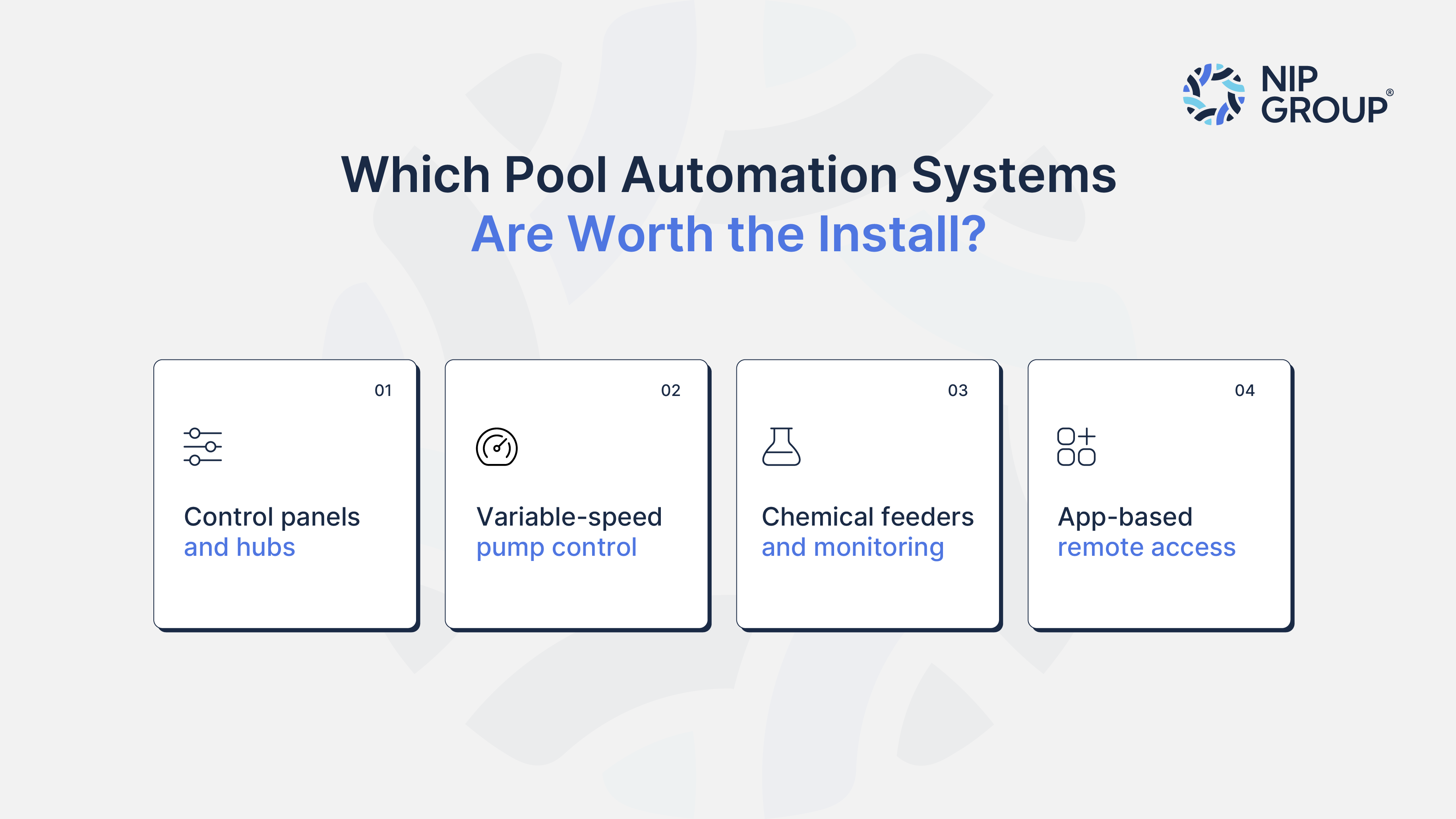
Pool Automation Systems Compared
Control panels and hubs
A hub is the control center every other automated component connects through, including pumps, heaters, lighting, and water features.
That dependency is what makes it the baseline install on nearly every job. The real decision here is sizing. It’s because an undersized hub causes lag or dropped commands once a client adds a heater or extra feature later.
Variable-speed pump control
Once the hub is sized correctly, variable-speed pump control is the next system worth pricing in. It delivers the fastest payback of the four, often visible within one billing cycle. Set against a hub alone, pump control wins purely on measurable savings. Clients rarely turn down this upgrade once they see the numbers.
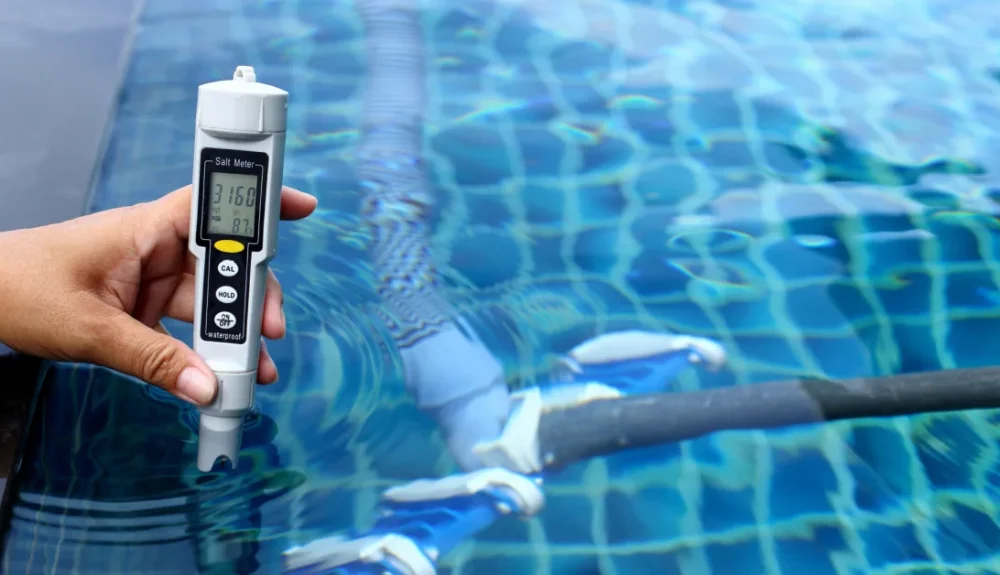
Chemical feeders and monitoring
Chemical feeders and monitoring come next, and the case for this category rests on liability. It carries the highest value and the highest liability of the group. The payback is harder to see than pump control’s utility-bill savings.
That return shows up instead in fewer callbacks and fewer chemical disputes. Insurers watch this category closest, since a bad calibration can dose a pool before anyone notices.
App-based remote access
App-based remote access sits last in this order, since its value depends on the client rather than the pool. Clients ask for this feature first, yet it often gets used the least. Daily visitors rarely need it. Second-home owners and frequent travelers request it by name.
| Category | Payback Speed | Install Priority | Best Fit | Skip If |
| Control panels and hubs | Not applicable, baseline component | Required on any automation job | Every automated install | Never skip once automation is on the table |
| Variable-speed pump control | Fastest, visible on the energy bill | High for most residential jobs | Pools with year-round pump use | Rarely worth skipping |
| Chemical feeders and monitoring | Slower, shows up in fewer callbacks | High for larger or high-use pools | Larger pools, liability-conscious clients | Small, low-use pools with light budgets |
| App-based remote access | Convenience-driven, not cost-driven | Optional | Second homes, frequent travelers | Clients who visit the pool daily |
This order should guide the conversation with a client from the first call. Presenting the categories in this sequence keeps the bid matched to what the job needs.
Must Read: Worker Compensation Insurance And Equipment Coverage: What Every Contractor Needs To Know
How to Install Modern Pool Automation Systems the Right Way
Installing pool automation systems well depends on sequence as much as hardware. How to install modern pool automation systems correctly comes down to five checkpoints most crews rush through.
Confirm equipment compatibility first
Connectivity problems cause most install failures. Hardware is rarely the real issue. Confirm the existing pump and heater can talk to a new controller before you order equipment. Older single-speed pumps often need replacing before automation makes sense.
Handle bonding and grounding next
Automation adds low-voltage wiring near a wet environment. Skipping proper bonding here turns a callback into a safety issue. Pull the right permit before work starts, even on a retrofit.
Plan connectivity before you commit
Walk the equipment pad with a signal meter first. A dead zone at the pad means a client can’t use the app they paid for. Test signal strength at the hub’s exact mounting spot. A reading taken near the router can mislead you.
Adjust the approach for retrofits
Existing plumbing and panel layouts limit where a hub can go. Plan the retrofit around what’s already there. Forcing a standard layout onto an older system creates problems later.
Close the job with a proper handoff
Walk the client through the app before you leave. Test every automated function while you’re both standing at the pad. Photograph the finished panel and wiring before you pack up. That record protects you if a client disputes the install later.
Where Does Automation Work Open Up Coverage Gaps?
Automation work changes your risk profile more than most contractors expect. A system that fails months after install can trigger a completed operations claim. Standard general liability does not always respond to damage discovered that late.
Electrical work during install carries its own risk. A miswired connection near equipment can cause a fire long after your crew leaves the site. Workers’ comp needs to reflect that electrical scope, not just the plumbing and mechanical work your crew handled before.
Recommending a specific system puts your judgment on record too. Say a chemical feeder malfunctions and damages a pool surface months later. The client’s first question is who specified that system. Your install photos and calibration notes become your defense at that point.
So, pool contractors installing pool automation systems carry more risk than a standard install did. That risk follows the wiring you touch and the systems you specify, long after the invoice is paid. A generic contractor policy rarely covers both ends of it.
PoolPro is built around this exact combination. It covers general liability, completed operations, workers’ compensation, and equipment exposure under one program made for pool contractors. It’s backed by carriers rated A and A+, meaning a superior financial ability to pay claims when they come in. Getting that coverage in place before your next automation install is worth the conversation. Talk to your broker about PoolPro, or contact us directly to walk through the coverage.
FAQs
1. Which pool automation system is best?
No single system wins across every pool. A control hub is the one piece nearly every job needs. Beyond that, fit depends on the client:
- Variable-speed pump control pays for itself fastest, often within one billing cycle
- Chemical feeders matter most on larger or high-use pools
- App access suits clients who aren’t at the pool daily
2. Can I build a DIY pool automation system?
Basic Wi-Fi plugs and timers exist for DIY use. Wiring a hub near pool equipment is a different matter. It involves bonding and grounding along with code requirements most homeowners skip. A failed DIY job usually ends up as a service call, sometimes with a liability question attached.
3. How can I heat my pool for free?
Solar covers and solar heating systems use sunlight instead of gas or electric heat. They won’t heat a pool as fast as a gas heater does. Pairing one with automated pump scheduling gets more value out of daylight hours, without adding to the client’s utility bill.
4. Is pool automation worth it?
For most pool owners, yes, it’s worth it. The upfront cost pays back through lower energy use and fewer chemical mishaps. You spend less time on manual upkeep. Owners with larger pools or busy schedules tend to see the value fastest. It’s because automation handles the routine work they’d otherwise have to do by hand.